Effortless backups for agile development
Protect your data with automated backups of your virtual machines. Designed for simplicity, DigitalOcean Backups can be configured for the times that work best for you and your business.
Announcing general availability of usage-based backups
Now, you can schedule backups every 4, 6, or 12 hours to meet aggressive RPOs and compliance standards. Our new usage-based billing means you only pay for the backup data you retain.

Key features
Ensure business continuity with daily, fully-automated backups.
Backups as frequently as Intra-Daily, Daily, and Weekly

Choose between fixed percentage or Usage-based pricing

Reliable backups and fast droplet recovery
Restore your entire Droplet quickly and reliably along with all files, applications, and databases. Backups safeguard against accidental deletion, failure, or data loss. Manage your backup schedules, frequencies, and retention policies easily via the Cloud Console or API.

Quick backups with modern, secure infrastructure
Our new backup storage infrastructure uses intelligent backup technology to quickly save only what has changed. Your data is stored redundantly, reliably, and securely within DigitalOcean's global infrastructure, ensuring high availability and protection.
Learn about if backups are accessible in your area by viewing our regional availability.
Pricing
| Frequency | No. of backups | Retention | Price | |
|---|---|---|---|---|
| Daily | 7 | 7 days | 30% of Droplet cost | Get Started |
| Weekly | 4 | 4 weeks | 20% of Droplet cost | Get Started |
See how easy it is to set up DigitalOcean Backups

Boost your data protection strategy with on-demand snapshots of Droplets.
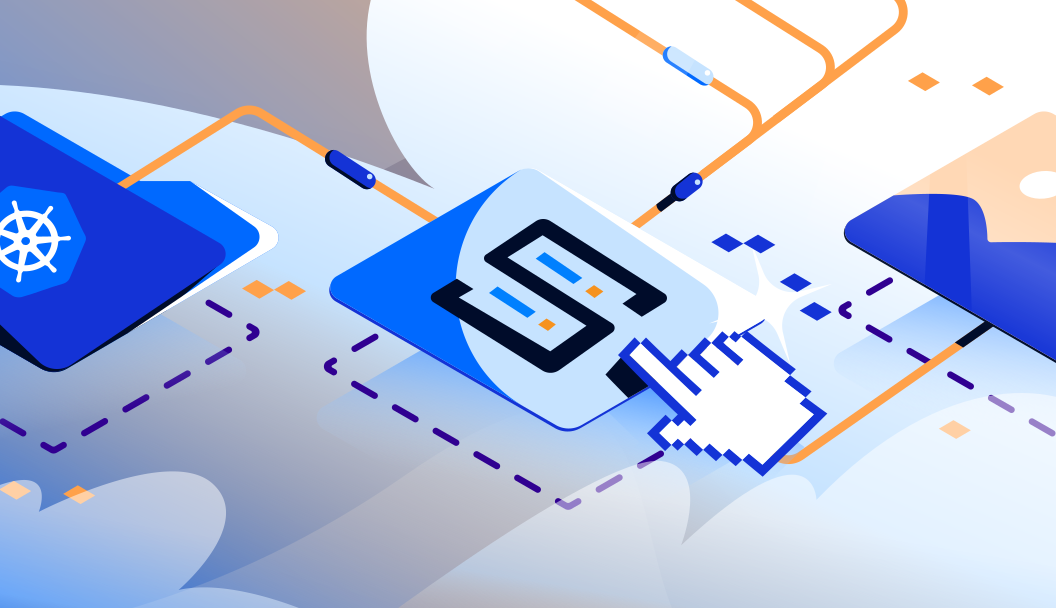
Looking to back up Kubernetes clusters, databases, files, apps and more, with advanced retention policies?

Learn more about DigitalOcean data centers and product availability
Frequently asked questions about Backups
What are DigitalOcean Backups?
They are automated, system-level backups of your Droplets (virtual machines) on DigitalOcean, featuring modern storage infrastructure for quick, reliable restoration or cloning. You can choose flexible backup frequencies, ranging from weekly down to every 4 hours, and set custom retention periods from 3 days up to 6 months to safeguard against data loss.
Are these backups full or incremental?
They’re incremental backups. The first backup is a full copy; all subsequent backups only capture changed data, resulting in faster operations and lower storage overhead.
How much do DigitalOcean Backups cost?
How fast and reliable is restoration?
Restores are fast thanks to the incremental backup infrastructure. You can recover your Droplet—including files, apps, and databases—in just a few clicks, making it effective for rapid recovery.
Can I control when backups happen?
Yes, you have control over the timing. For Daily and Weekly plans, you can select a 4-hour backup window that best suits your schedule to avoid impacting peak usage times. For intra-daily backup frequencies (every 4, 6, or 12 hours), the automated system runs much more frequently to meet tighter recovery point objectives (RPOs) without manual intervention.
Where are backups available globally?
How do Backups differ from Snapshots?
Snapshots are manual, full-disk point-in-time images that you control and retain indefinitely unless you delete them.
Can I automate or customize backup workflows?
Yes. You can manage backups via DigitalOcean’s GUI, CLI (doctl), or API. For advanced control—like offsite storage, custom schedules, or combined backups for Droplets, Kubernetes, Databases—use SnapShooter or write scripts leveraging DO’s API.
What should devs and startups know about backup strategy?
Test recoveries: Run a restore periodically to validate your process.
Add Snapshots for flexibility: Use them for QA, migrations, or pre-upgrade checkpoints.
Scale smarter: If you need multi-product backups, try SnapShooter for centralized control.
Resources
Learn from product documentation

Start building today
From GPU-powered inference and Kubernetes to managed databases and storage, get everything you need to build, scale, and deploy intelligent applications.
